Quick answer. After this you can sort out the most common small problems yourself.
The wrong class is showing
Muallim remembers your last class in each builder. Change Level, Grade, Subject or Topic at the top of the form before you generate.
My subject or topic is not listed
Type it in the box and choose Add as my own subject, or type the topic and select Save to my list. See Your own subjects and topics.
The result is not what I wanted
Add a subtopic or a note under Anything else? and generate again. Or edit the result directly and select Save. See Focus your content with Subtopic and Anything else?.
My print looks wrong or is cut off
In the print window, check that the paper size is A4 and, if your browser offers it, switch off headers and footers. Use the preview under the editor to check the page before you print. If the page prints blank, try Save as PDF and print the file.
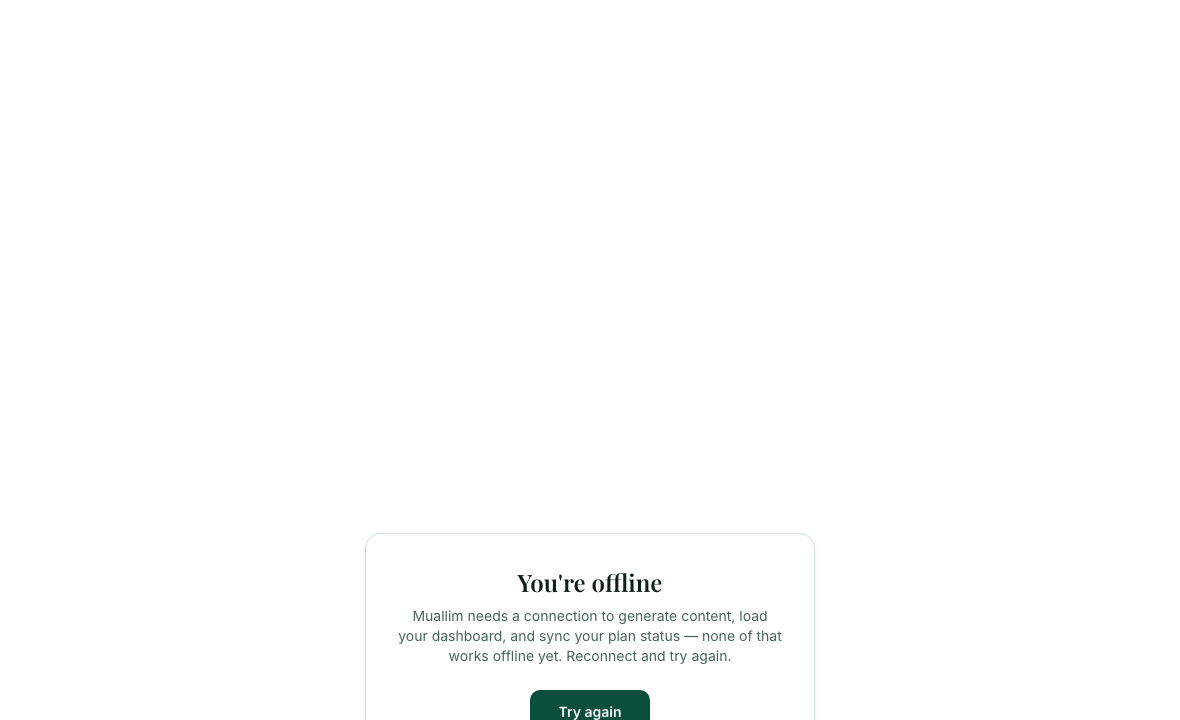
I see "You're offline"
Muallim needs an internet connection to generate content and load your dashboard. Reconnect and select Try again.
Something I edited is gone
Select Save after you edit. Changes are not saved until you do. Your saved work is always in History.
Frequently asked questions
- Why does my printout look wrong or get cut off?
- Check that the paper size is A4 and switch off headers and footers in the print window if your browser offers it. Use Save as PDF and print the file if the page prints blank.
- Why does Muallim say I am offline?
- Muallim needs an internet connection to generate content and load your dashboard. Reconnect and select Try again.
- Why are my edits gone?
- Changes are not saved until you select Save. Your saved work is always in History.
Ready to try it on your own class? The Free plan includes 10 AI generations in any 30 days. No card needed.
Keep reading
- Choosing your class, subject and topic: How the Level, Grade, Subject and Topic boxes work, and how to add your own.
- Focus your content with Subtopic and Anything else?: Two optional boxes that focus a lesson plan, worksheet or quiz on what your class needs.
- Printing and saving your work: Which button prints what, how to save a PDF, and how to share a lesson plan on WhatsApp.
- Find, reopen and delete past work: Everything you have made is kept in History, newest first.